Route
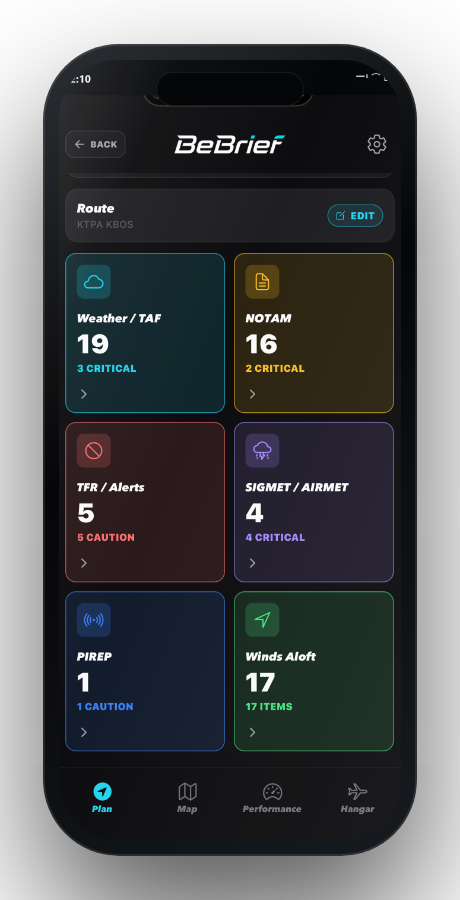
Build a route, review advisory status, and see airport weather category, ETA, and route-level hazards.
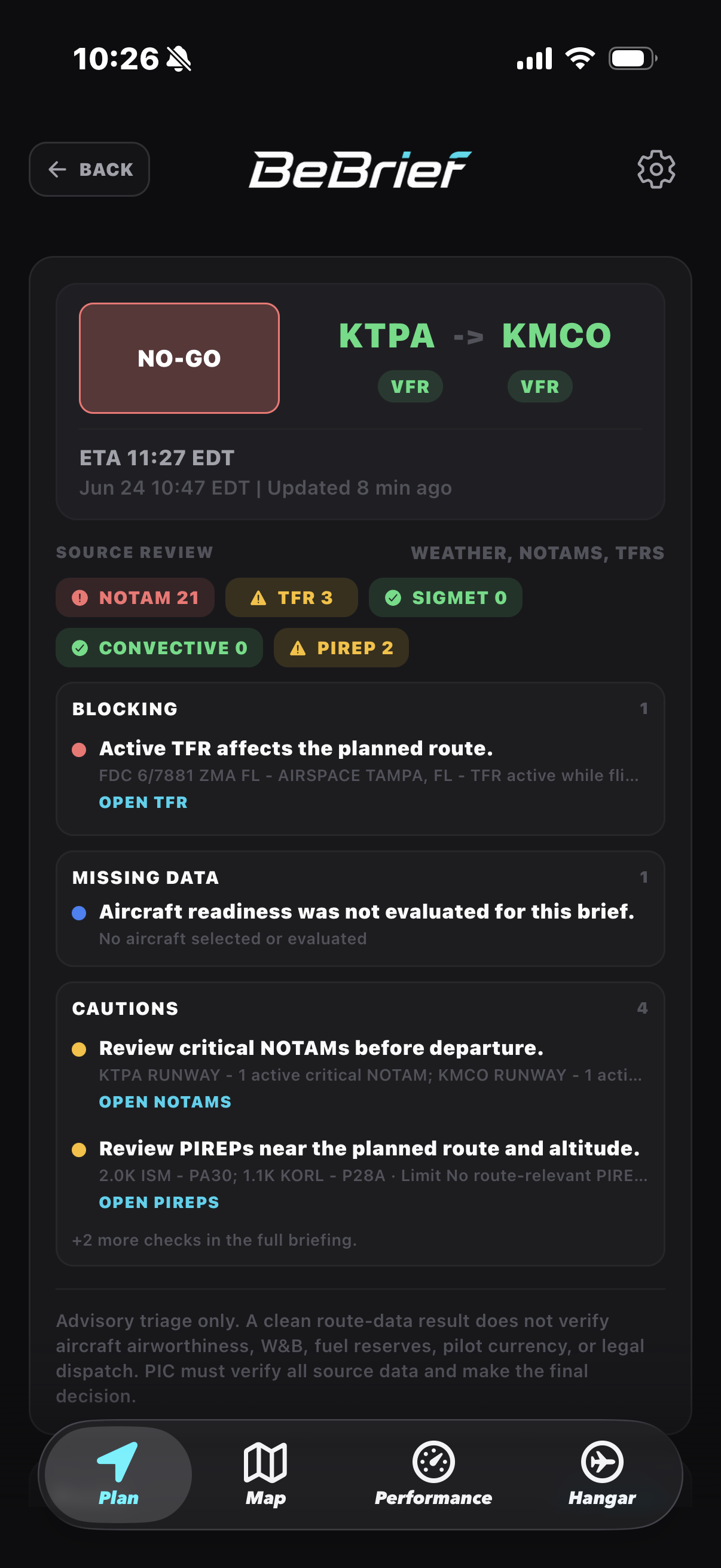
BeBrief gives pilots route-level risk review, raw source inspection, aircraft readiness, Flight Service filing, and filed-plan lifecycle tracking in one iPhone workflow.
Workflow
Use BeBrief to inspect the route, sources, aircraft setup, and Flight Service workflow without turning the app into a full mission planner.
Build a route, review advisory status, and see airport weather category, ETA, and route-level hazards.
Inspect weather, NOTAMs, TFRs, PIREPs, SIGMET/AIRMET, winds, and raw source detail.
Connect Flight Service credentials for official brief, filing, and lifecycle actions.
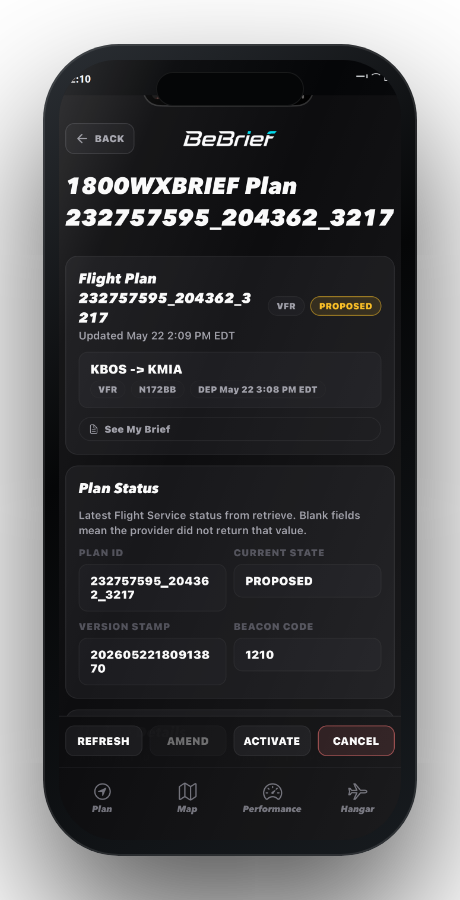
Return to proposed, active, overdue, cancelled, or closed filed-plan status from the app.
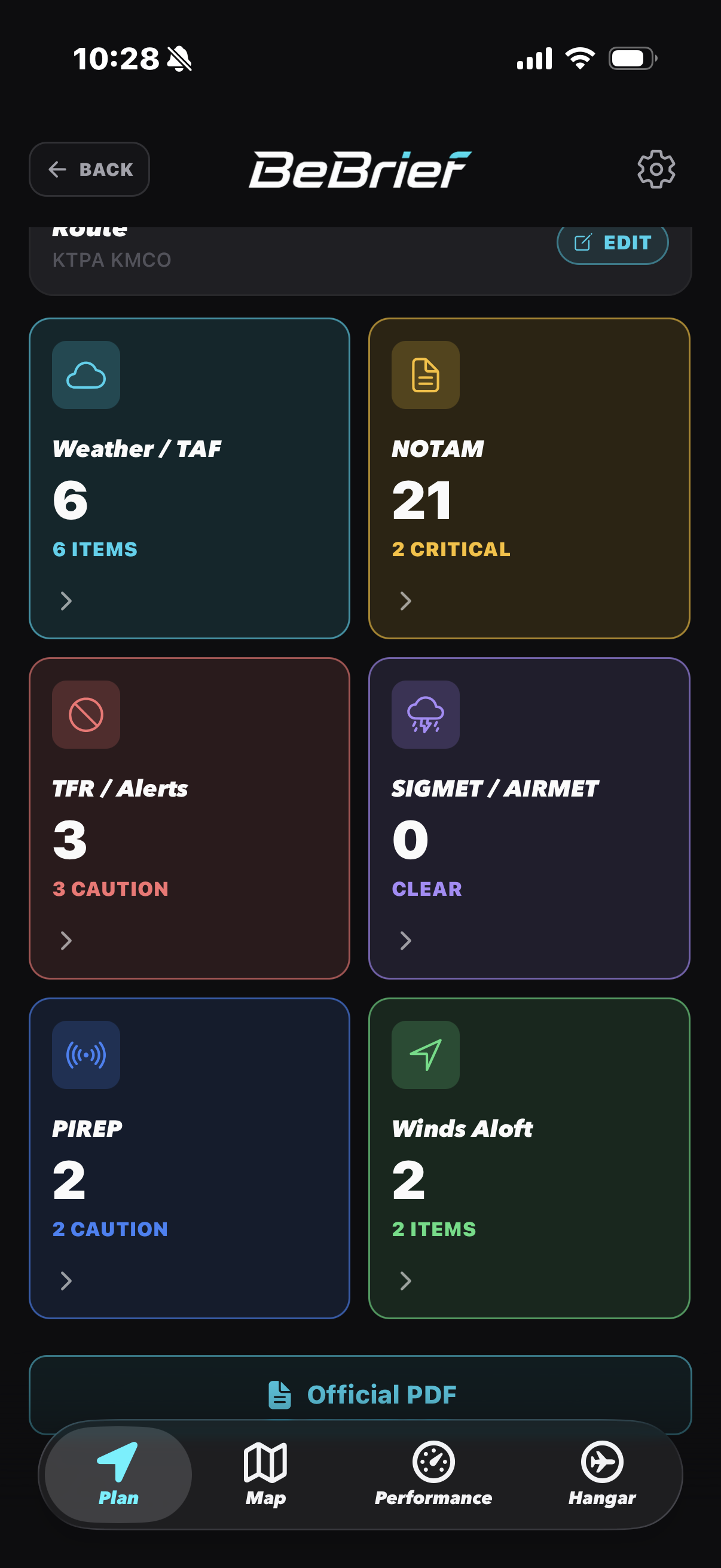 Inspect source cards from the active brief.
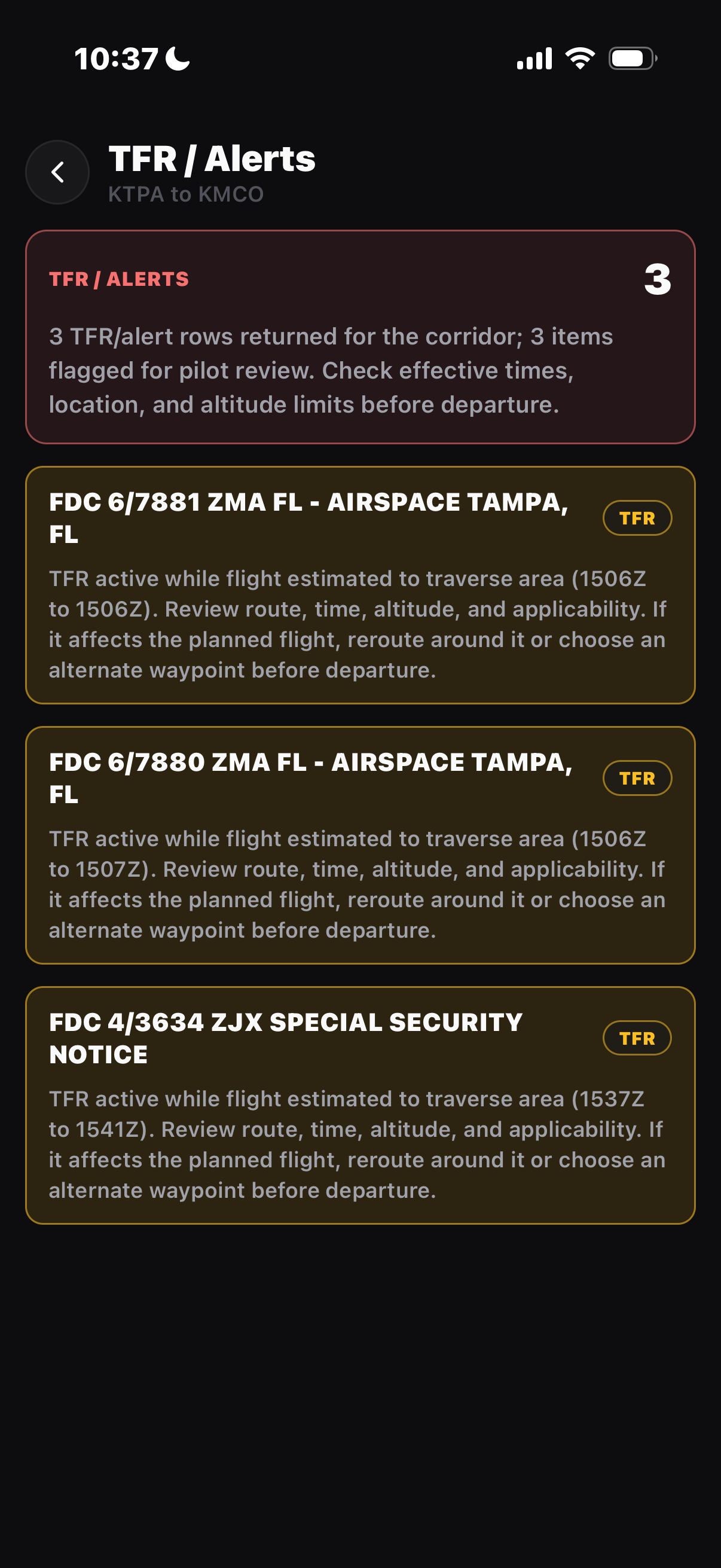 Open TFR and alert detail when it matters.
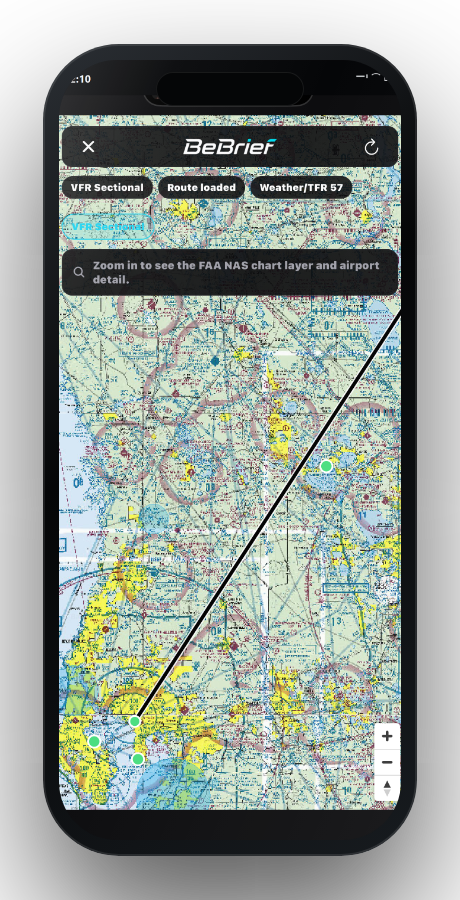
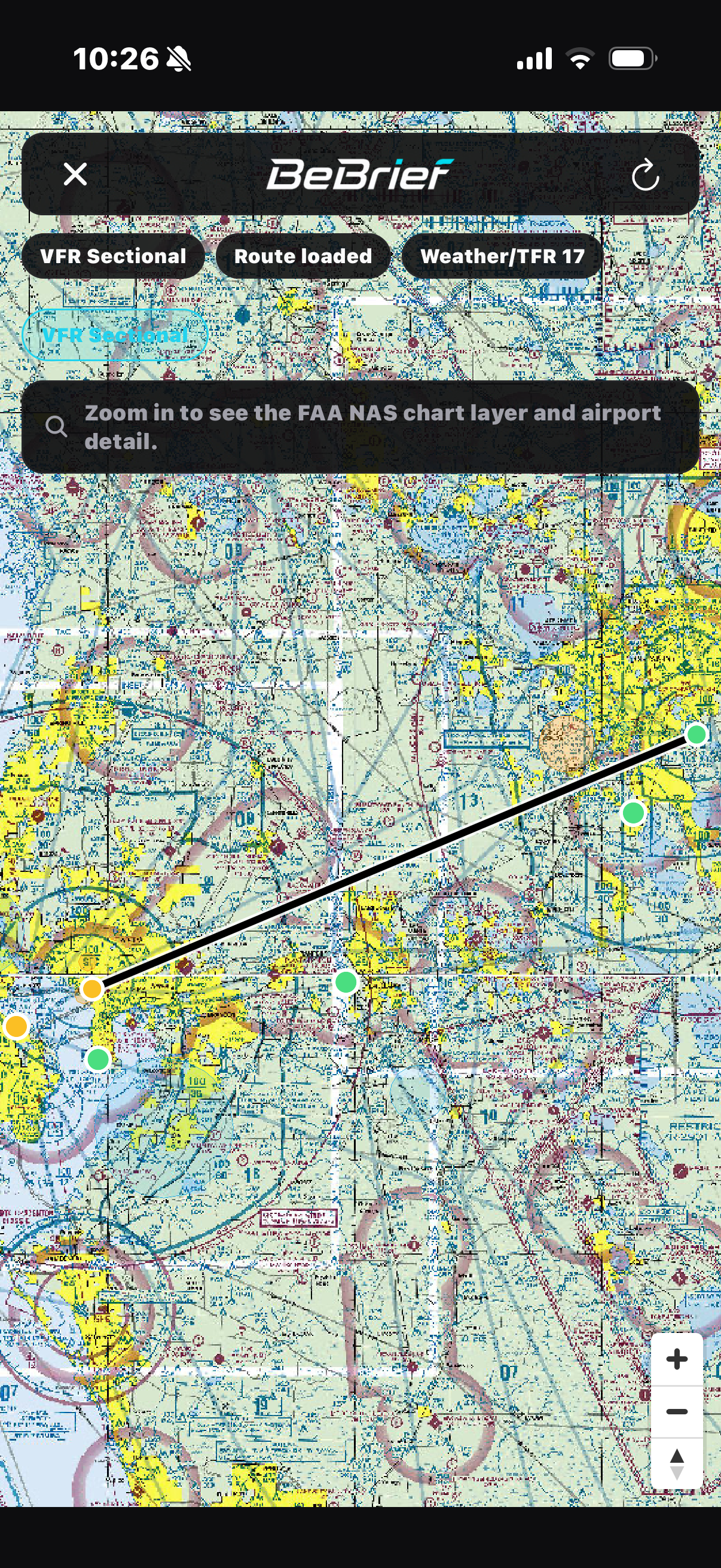 Keep map context with the route.
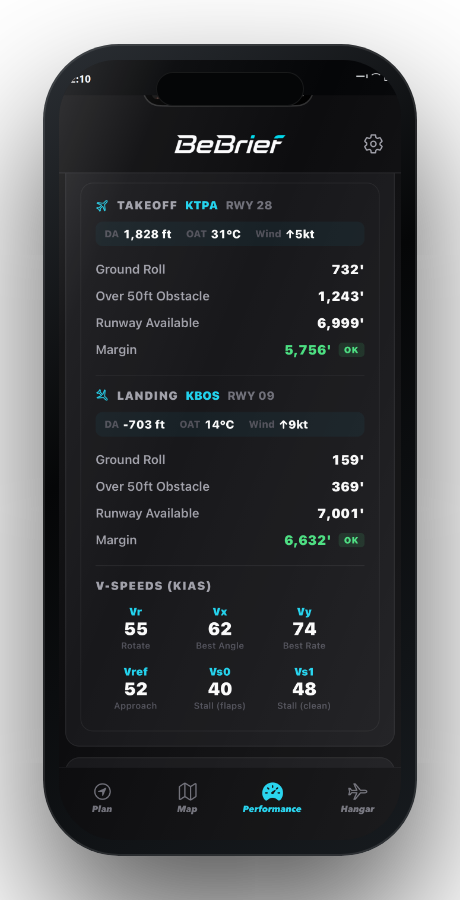
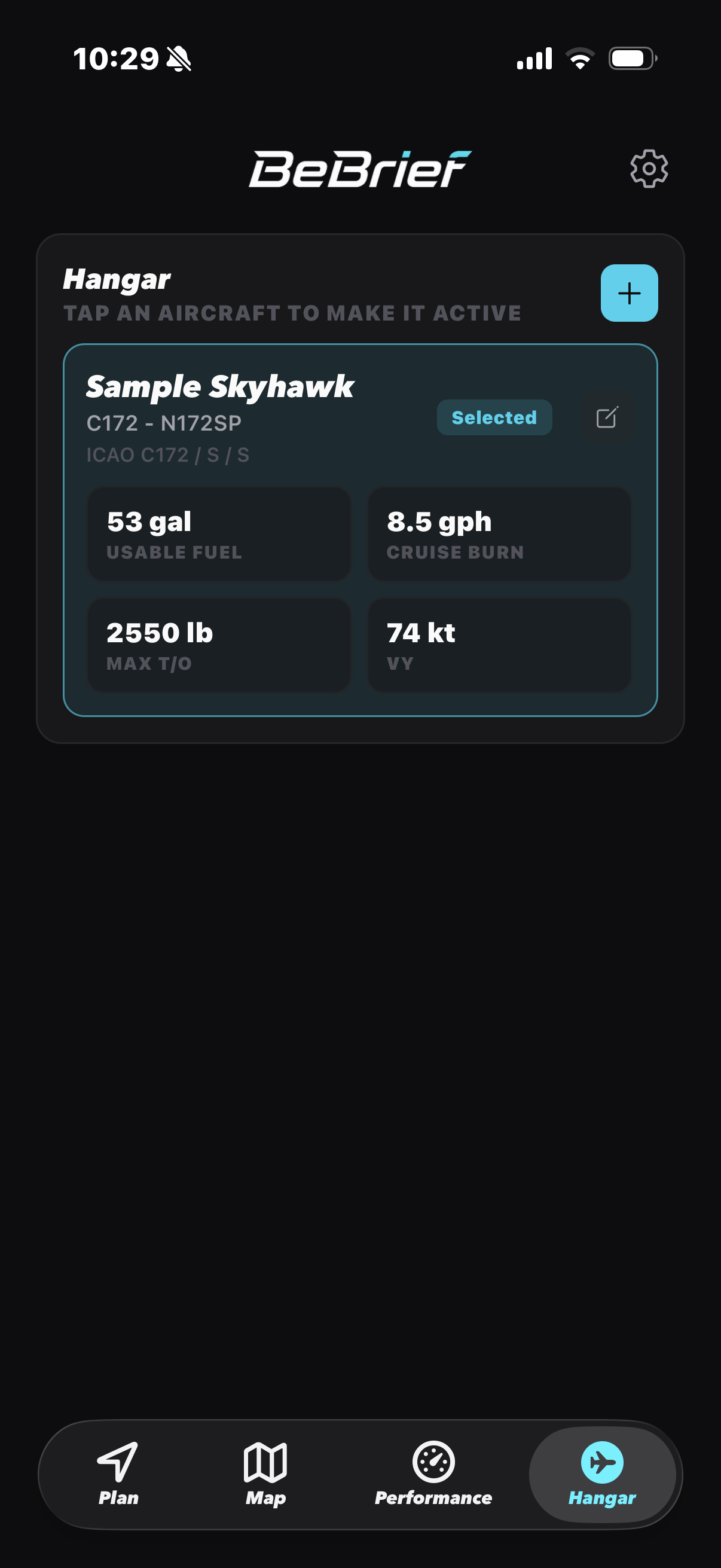 Keep aircraft readiness close to the brief.
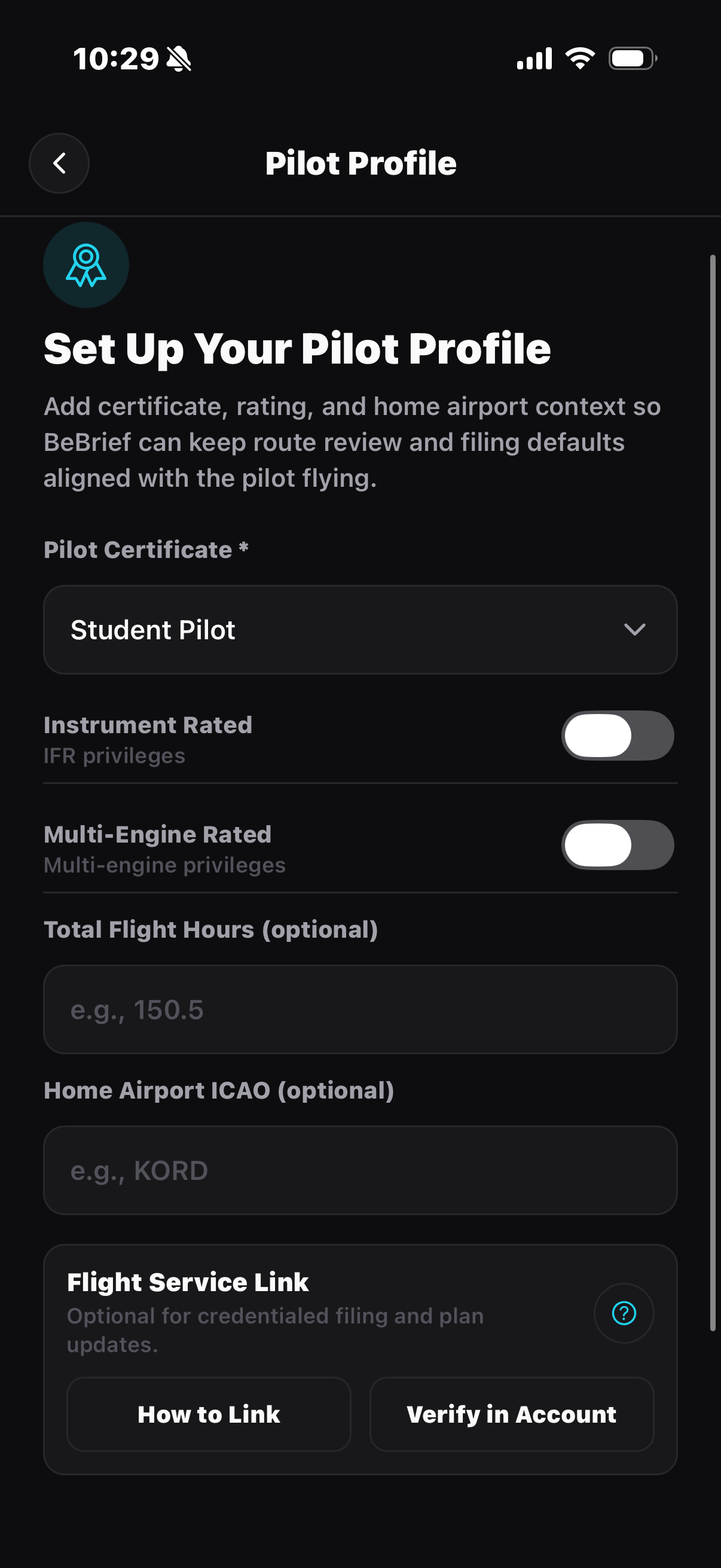 Keep pilot profile details ready for filing.
Screens
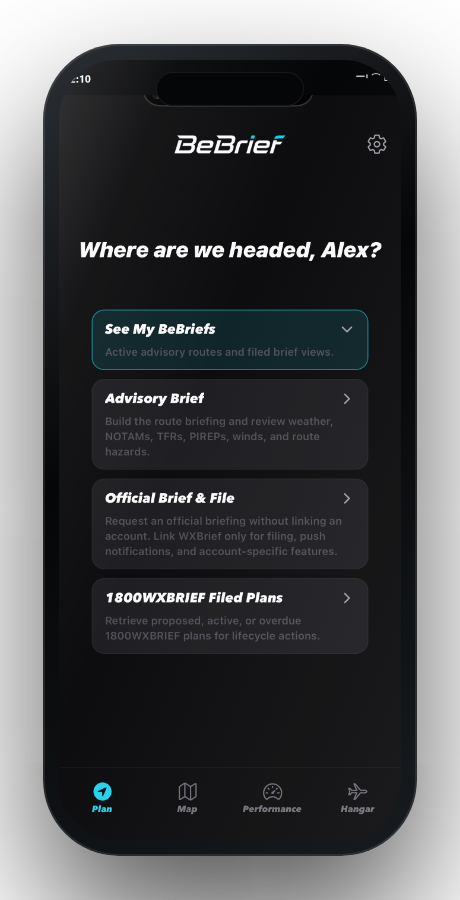
Move from uncredentialed route review to credentialed filing, then keep filed-plan status and aircraft context close.
Pilot control
BeBrief keeps advisory review, source inspection, aircraft setup, and official Flight Service actions clearly separated.
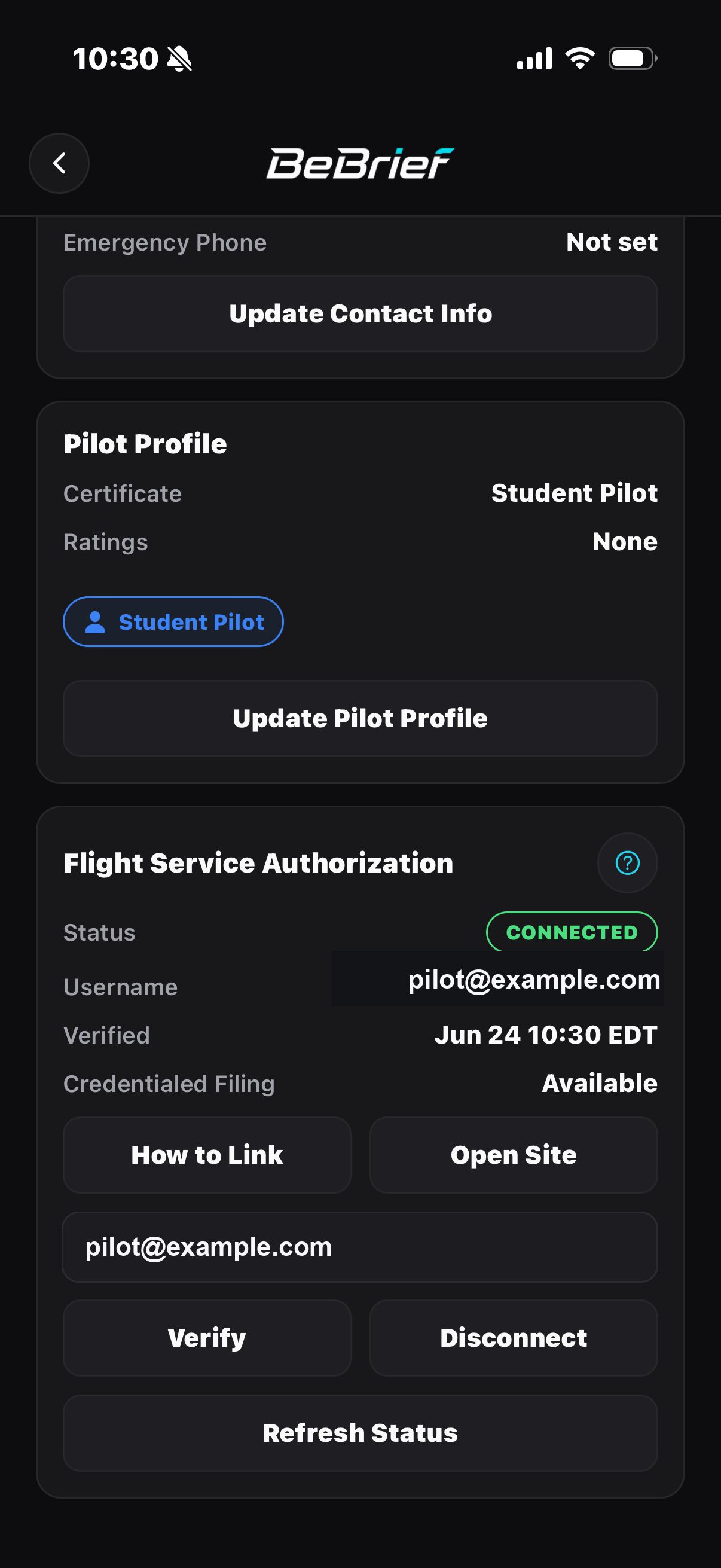 Link Flight Service when you are ready to file.
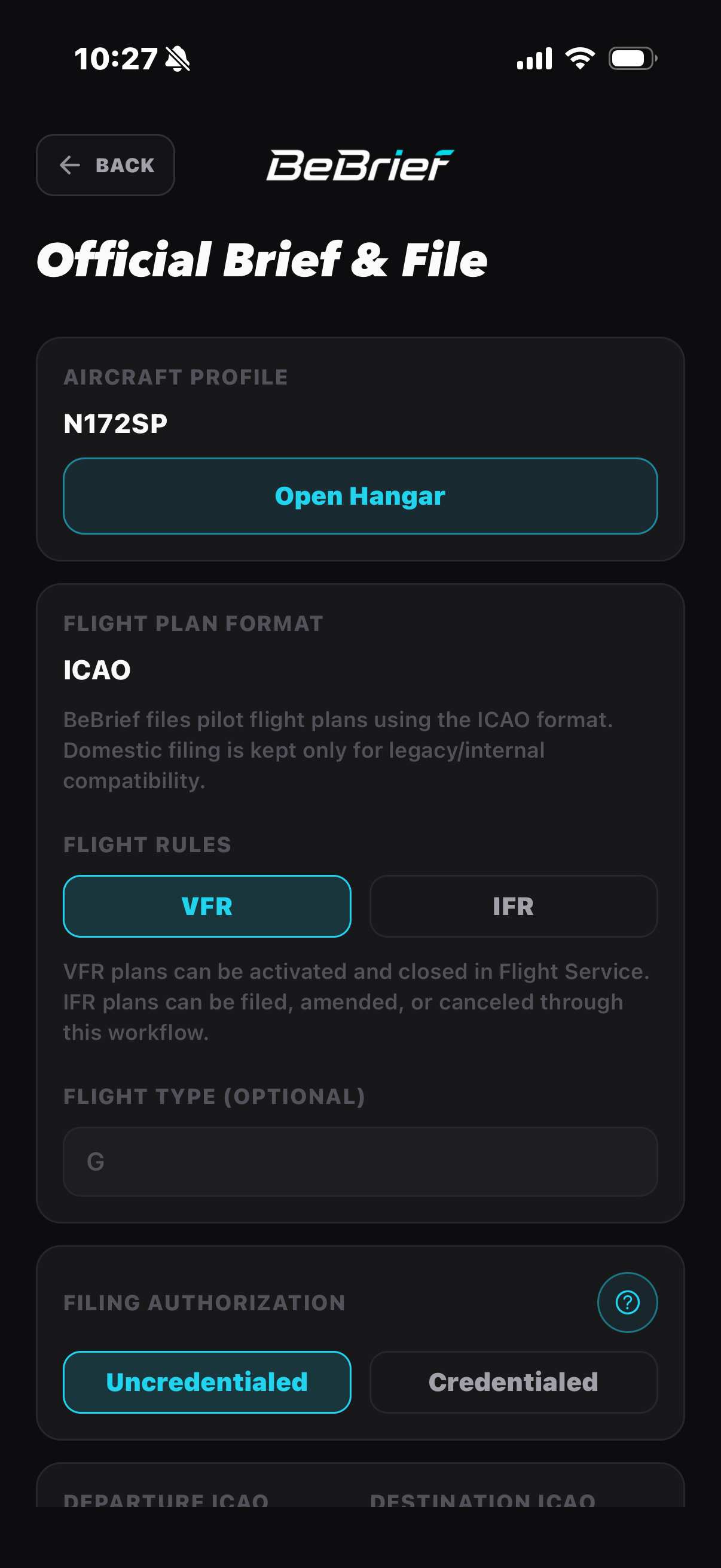 Review official filing details before sending.
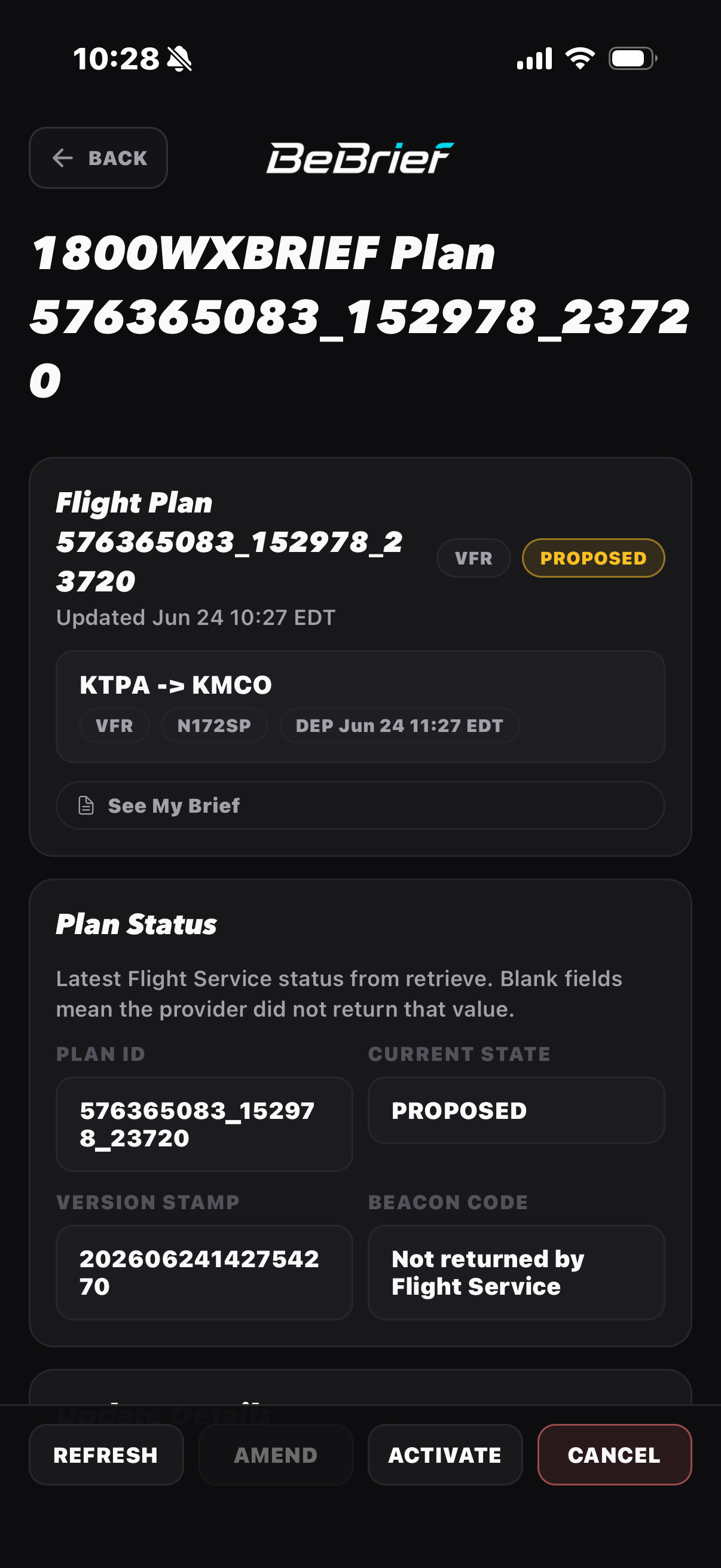 Manage lifecycle actions from the filed plan.
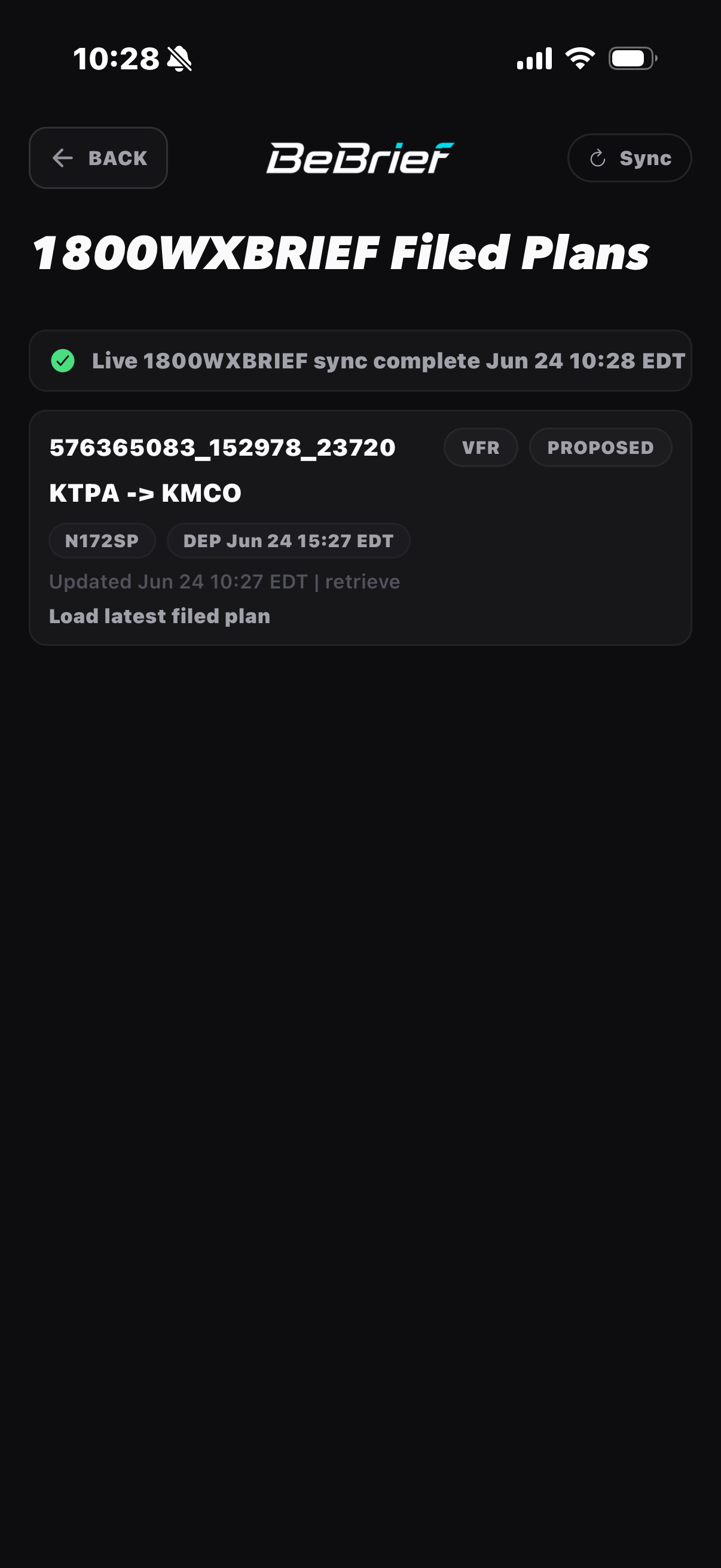 Keep filed-plan status close after filing.
iPhone app
Use BeBrief for advisory source review, credentialed Flight Service filing, filed-plan lifecycle visibility, pilot profile, and aircraft readiness from your phone.